
Garis besar topik
-
Definisi komputer
- Komponen perangkat keras dan perangkat lunak
- Fungsi dan jenis sistem operasi-
Siswa harusTandai selesai
What is a computer?
A computer is an electronic device that manipulates information, or data. It has the ability to store, retrieve, and process data. You may already know that you can use a computer to type documents, send email, play games, and browse the Web. You can also use it to edit or create spreadsheets, presentations, and even videos.
Watch the video below to learn about different types of computers.
Looking for the old version of this video? You can still view it
.Hardware vs. software
Before we talk about different types of computers, let's talk about two things all computers have in common: hardware and software.
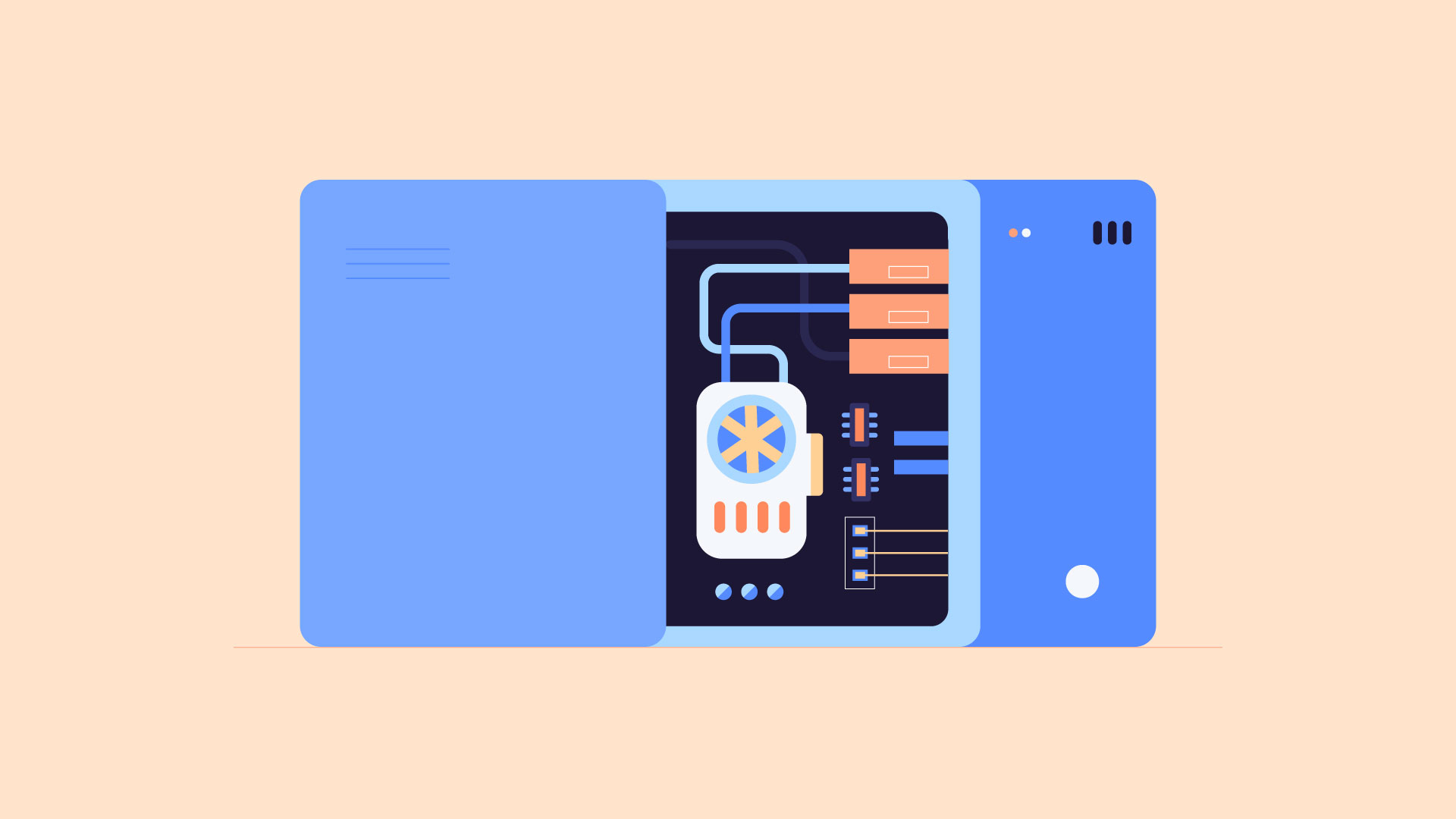
- Hardware is any part of your computer that has a physical structure, such as the keyboard or mouse. It also includes all of the computer's internal parts, which you can see in the image below.
- Software is any set of instructions that tells the hardware what to do and how to do it. Examples of software include web browsers, games, and word processors.
Everything you do on your computer will rely on both hardware and software. For example, right now you may be viewing this lesson in a web browser (software) and using your mouse (hardware) to click from page to page. As you learn about different types of computers, ask yourself about the differences in their hardware. As you progress through this tutorial, you'll see that different types of computers also often use different types of software.
What are the different types of computers?
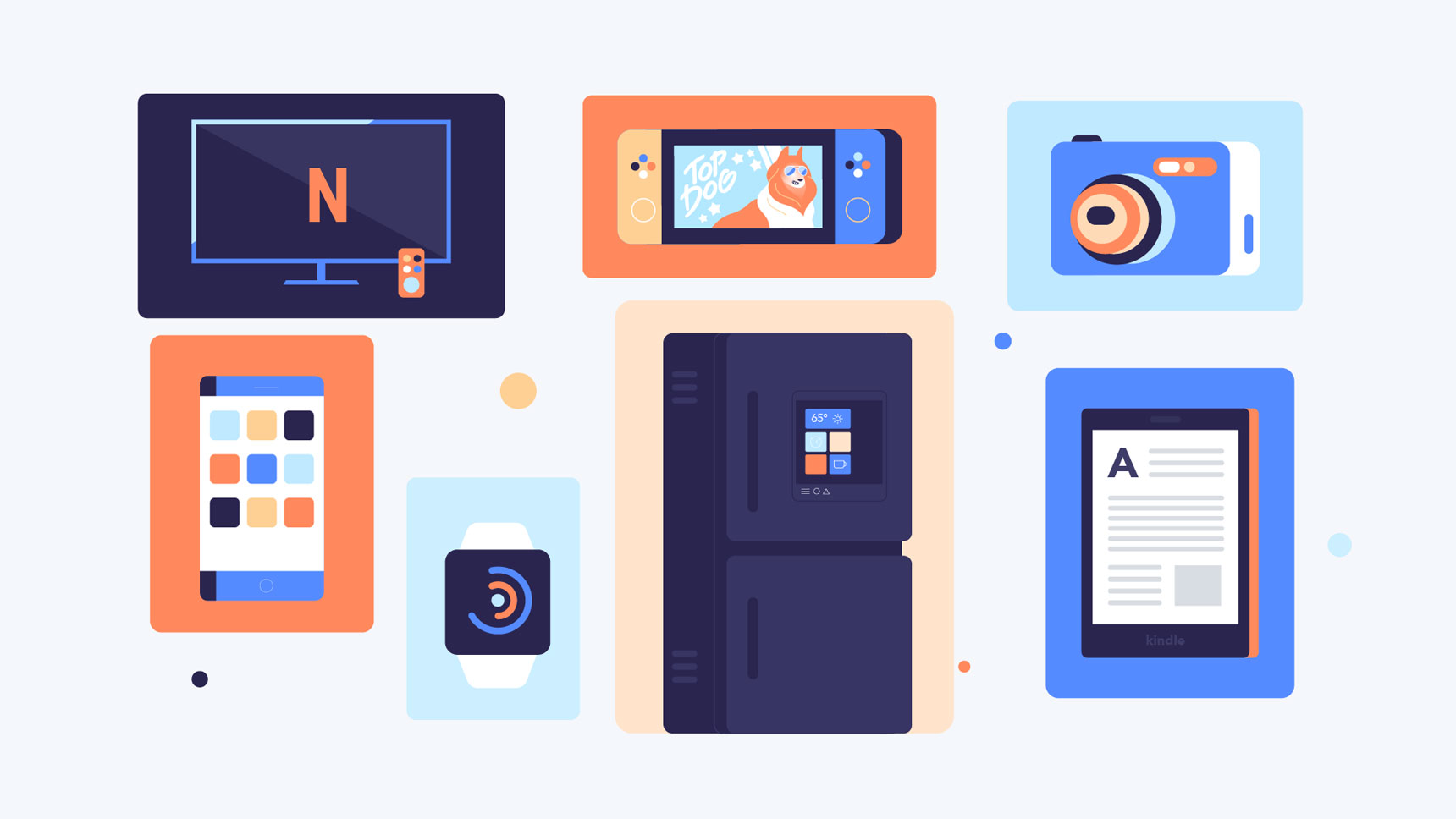
When most people hear the word computer, they think of a personal computer such as a desktop or laptop. However, computers come in many shapes and sizes, and they perform many different functions in our daily lives. When you withdraw cash from an ATM, scan groceries at the store, or use a calculator, you're using a type of computer.
Desktop computers

Many people use desktop computers at work, home, and school. Desktop computers are designed to be placed on a desk, and they're typically made up of a few different parts, including the computer case, monitor, keyboard, and mouse.
Laptop computers

The second type of computer you may be familiar with is a laptop computer, commonly called a laptop. Laptops are battery-powered computers that are more portable than desktops, allowing you to use them almost anywhere.
Tablet computers
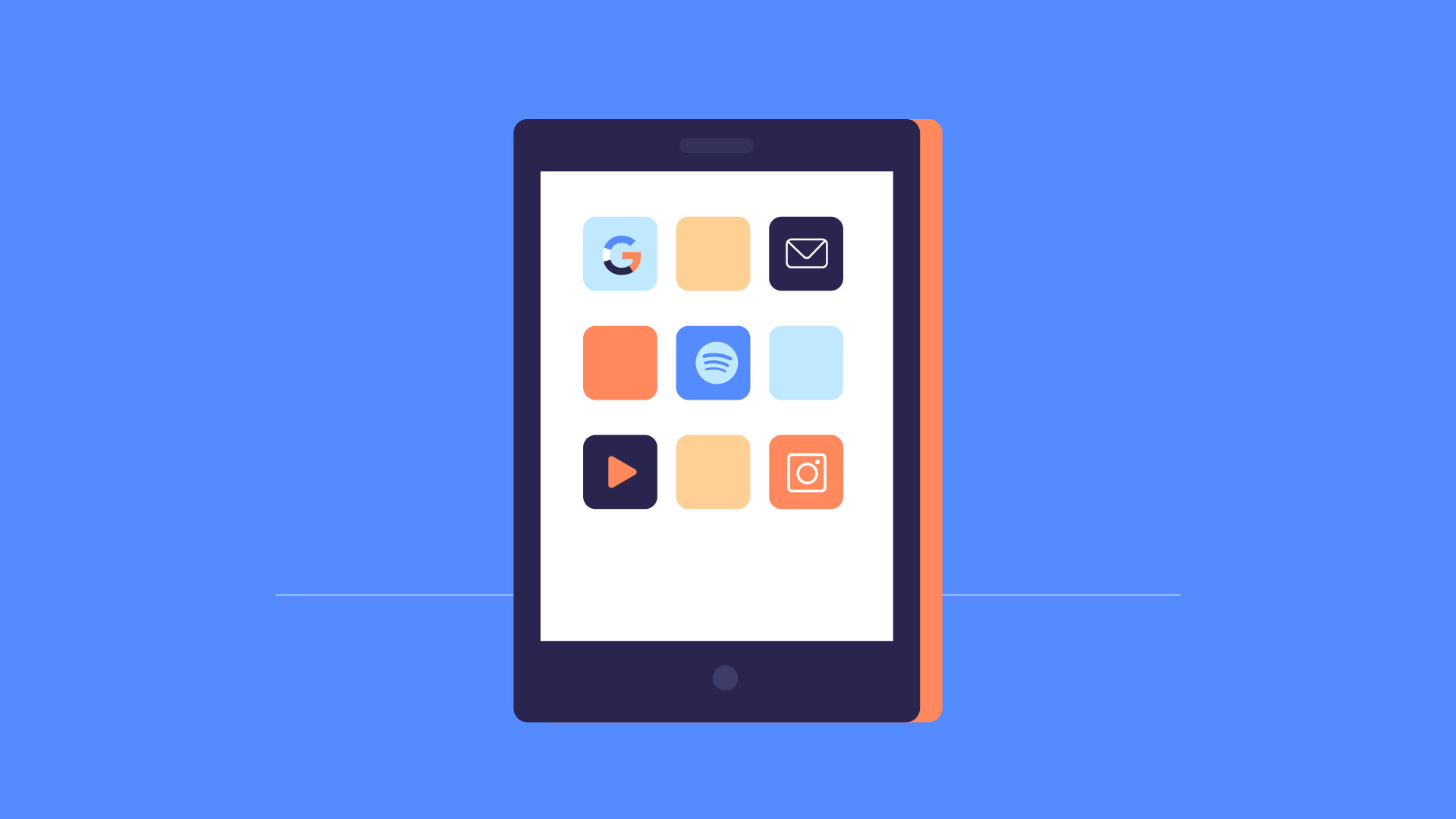
Tablet computersΓÇöor tabletsΓÇöare handheld computers that are even more portable than laptops. Instead of a keyboard and mouse, tablets use a touch-sensitive screen for typing and navigation. The iPad is an example of a tablet.
Servers
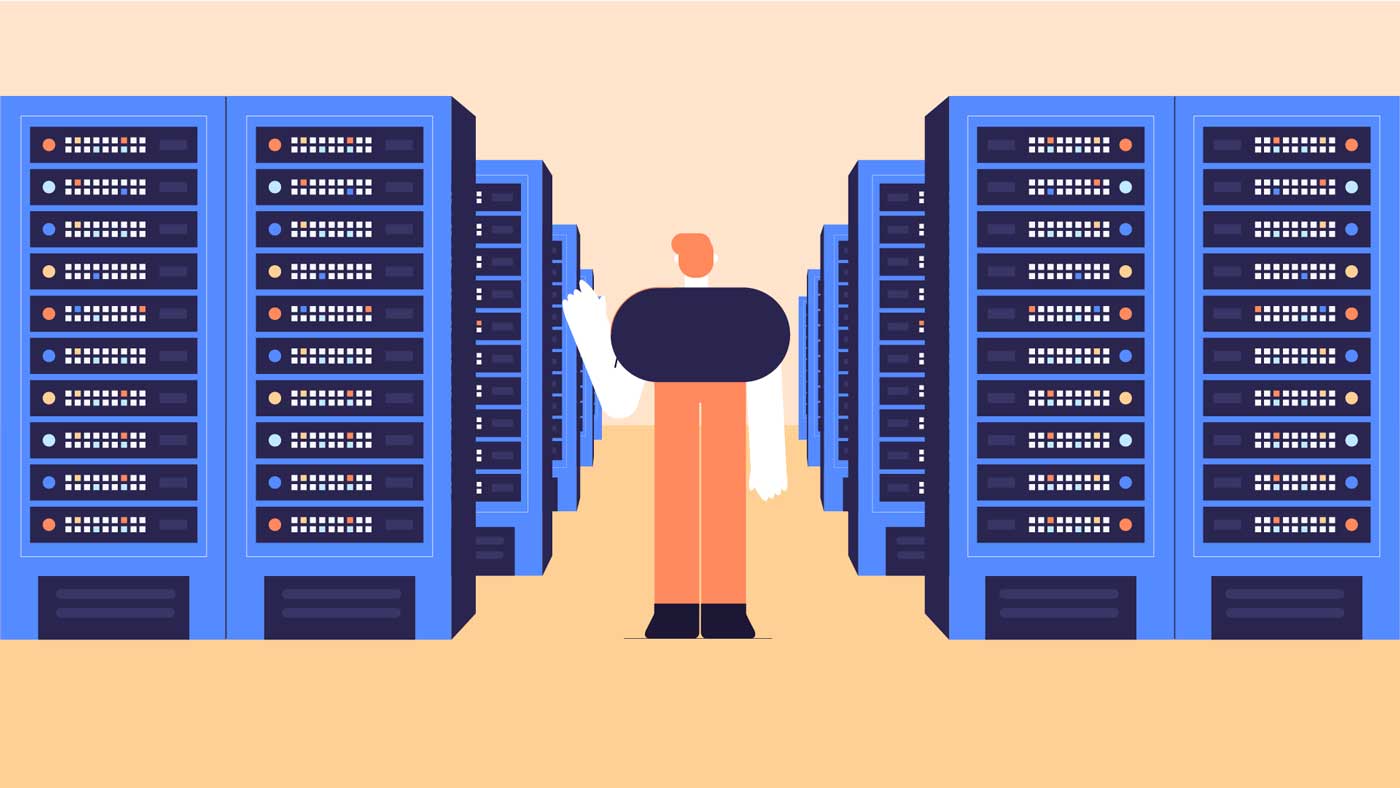
A server is a computer that serves up information to other computers on a network. For example, whenever you use the Internet, you're looking at something that's stored on a server. Many businesses also use local file servers to store and share files internally.
Other types of computers
Many of today's electronics are basically specialized computers, though we don't always think of them that way. Here are a few common examples.
- Smartphones: Many cell phones can do a lot of things computers can do, including browsing the Internet and playing games. They are often called smartphones.
- Wearables: Wearable technology is a general term for a group of devicesΓÇöincluding fitness trackers and smartwatchesΓÇöthat are designed to be worn throughout the day. These devices are often called wearables for short.
- Game consoles: A game console is a specialized type of computer that is used for playing video games on your TV.
- TVs: Many TVs now include applicationsΓÇöor appsΓÇöthat let you access various types of online content. For example, you can stream video from the Internet directly onto your TV.
PCs and Macs
Personal computers come in two main styles: PC and Mac. Both are fully functional, but they have a different look and feel, and many people prefer one or the other.
PCs
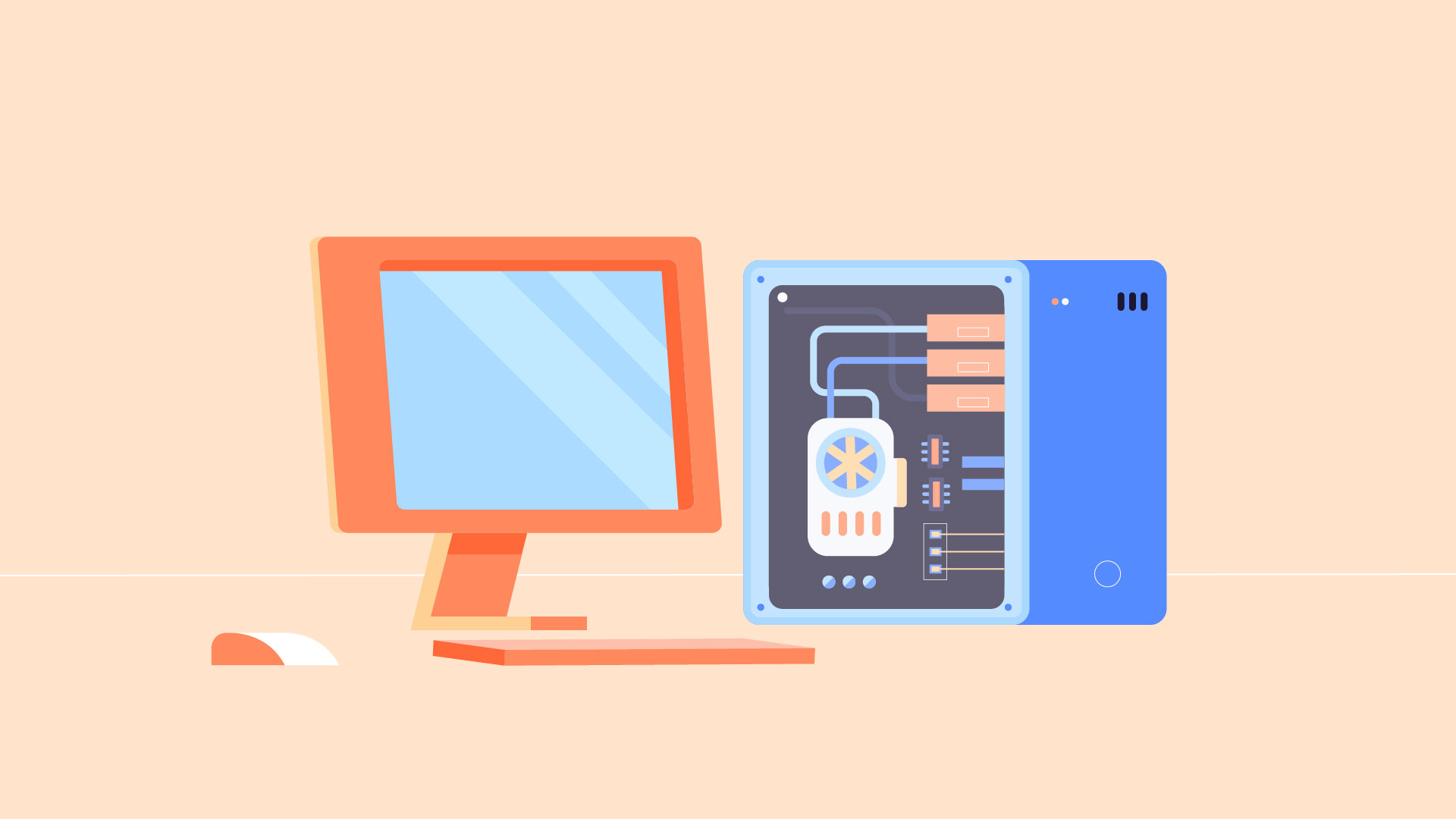
This type of computer began with the original IBM PC that was introduced in 1981. Other companies began creating similar computers, which were called IBM PC Compatible (often shortened to PC). Today, this is the most common type of personal computer, and it typically includes the Microsoft Windows operating system.
Macs

The Macintosh computer was introduced in 1984, and it was the first widely sold personal computer with a graphical user interface, or GUI (pronounced gooey). All Macs are made by one company (Apple), and they almost always use the Mac OS X operating system.
- Hardware is any part of your computer that has a physical structure, such as the keyboard or mouse. It also includes all of the computer's internal parts, which you can see in the image below.
-
Siswa harusTandai selesai
a. Practice: Role Play (Buying a computer)
Mark: Hi, Jessica! I just bought my first computer, but IΓÇÖm confused about operating systems. Can you help?
Jessica: Sure, Mark! Operating systems manage all the hardware and software on your computer. Do you know which one you have?
Mark: I think itΓÇÖs Windows. I see that name a lot.
Jessica: Good choice! Windows is user-friendly and compatible with most applications, widely used in both personal and business settings.
Mark: IΓÇÖve heard about macOS too. WhatΓÇÖs the difference?
Jessica: macOS is for Apple computers, known for its sleek design and strong security, but it has fewer software options compared to Windows.
Mark: What about Linux?
Jessica: Linux is open-source and customizable, popular among developers, but it can be challenging for beginners.
Mark: That sounds interesting but intimidating.
Jessica: It can be! Stick with Windows for now; it supports most software.
Mark: Do I need to worry about updating the OS?
Jessica: Yes, updates are crucial for security and performance. Most systems notify you when updates are available.
Mark: Thanks for the info, Jessica! I feel more confident about my new computer.
Jessica: Anytime, Mark! Feel free to ask if you have more questions.
a. Practice: Role Play
Pair students and assign roles (buyer and salesperson). The buyer asks questions about different types of computers and their specifications, while the salesperson provides information about desktops, laptops, tablets, and operating systems.
-
Siswa harusTandai selesai
I. WRITING: Components of a Computer
- Choose three components of a computer (e.g., CPU, RAM, Hard Drive, or Monitor) and one operating system (e.g., Windows, macOS, or Linux).
- Then, write a short paragraph describing each component and the operating system in simple, clear language. Each paragraph should answer:
- What is it?
- What does it do?
- Why is it important?
- Example Paragraph:
- CPU (Central
Processing Unit):
"The CPU, or Central Processing Unit, is often called the 'brain' of the computer. It processes all the instructions from software and performs calculations quickly. Without the CPU, the computer wouldn't be able to run any programs or complete tasks."
o Operating System (Windows):
"Windows is an operating system created by Microsoft. It manages the computer's hardware and software, allowing users to easily interact with their devices. Windows is popular because of its user-friendly interface and wide compatibility with different programs."- Once finished, exchange your descriptions with a partner, who will read and offer feedback on clarity and simplicity.
-